A big pad you can hit anywhere
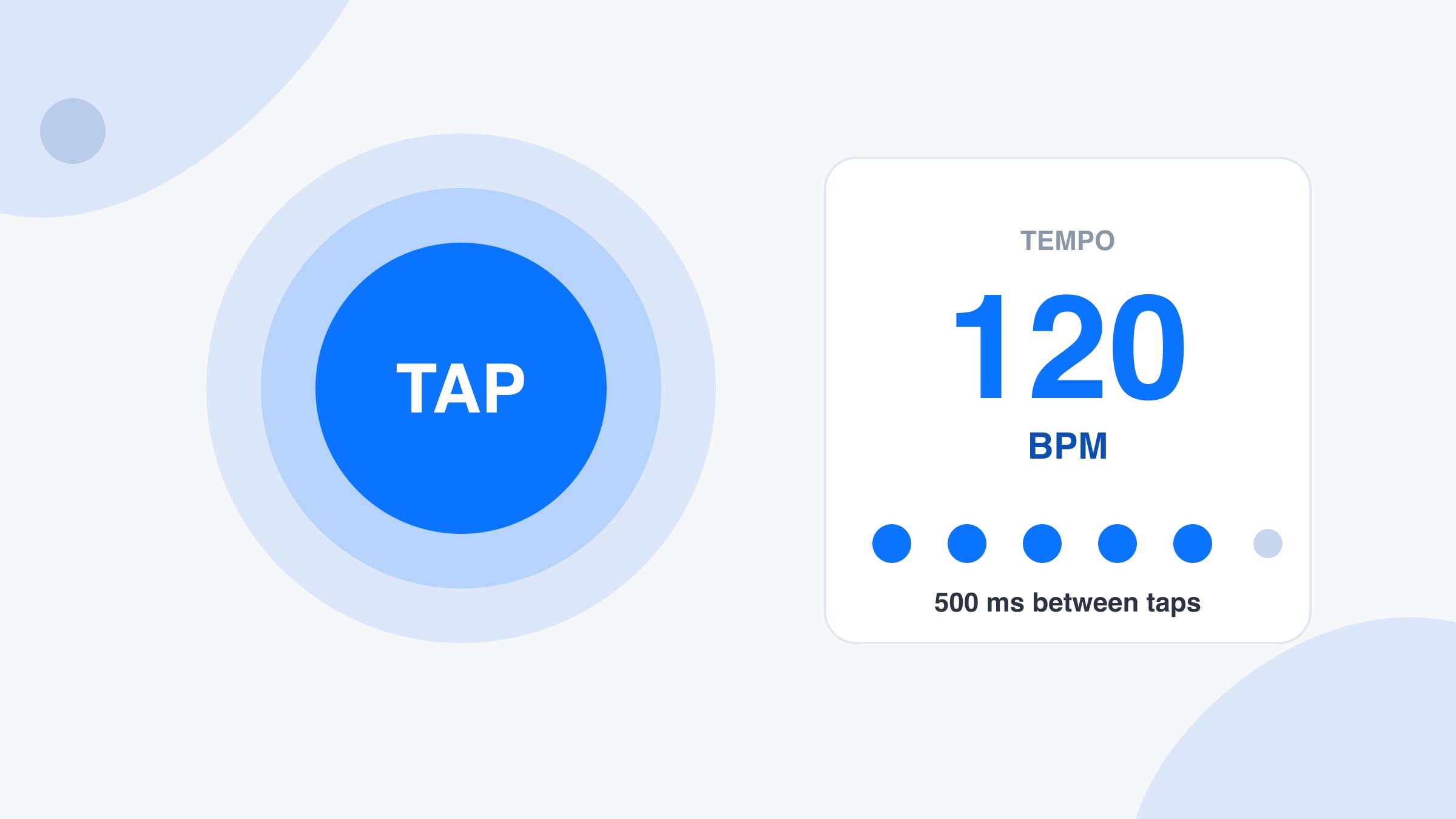
The tap tempo pad is large enough to hit without looking, on a phone or with a mouse. Press Space on a keyboard if you prefer. Each tap adds a dot, and the BPM appears after the second tap and settles as you go.
Free · No signup · Audio stays on your device
Tap the pad, or press Space, in time with the music to read its BPM. Hear the tempo played back, switch it to half or double time, and copy the number. This tap tempo tool runs in your browser and records nothing.
Drop songs here to find their BPM and key
MP3, WAV, FLAC, M4A, AAC, OGG. Up to 50 files, 100 MB each.
No file handy?
--BPM
Play the music near your device and press start. The audio is analysed in this tab and never recorded or sent.
--BPM
Locked
Not listening yet.
Playing a song in another browser tab, such as YouTube, SoundCloud or a web player? Share that tab and tick “Share tab audio”. Nothing is downloaded or uploaded, the sound is analysed right here.
--BPM
Locked
Not sharing yet.
Tab audio needs desktop Chrome, Edge or another Chromium browser. On other browsers use Upload or Microphone.
confidence
0:00 / 0:00
Play the song with the click on. Clicks that land on the beat mean the BPM is right. If they feel twice as fast or half as fast, press ÷2 or ×2. Space plays and pauses.
Features
A fast pad, a steadier reading and a click to check it by ear, on the same page as a file analyser.
The tap tempo pad is large enough to hit without looking, on a phone or with a mouse. Press Space on a keyboard if you prefer. Each tap adds a dot, and the BPM appears after the second tap and settles as you go.
Real tapping is never perfect. The tap tempo reading uses your last twelve taps and drops any gap that is far from the median, so one early or late tap does not drag the BPM away from the rhythm you meant.
Press Play it back and the tap tempo tool plays a steady click at your BPM, with the pad pulsing on every beat. Compare the click with the song and you will hear straight away whether the tempo is right.
The tap tempo pad stays silent until you turn Sound on, so you can tap in a quiet room without noise. Switch it on to hear a short click on each tap, which helps when you tap along to music on headphones.
If the number is half or twice what you feel, press ÷2 or ×2. Copy puts the BPM on your clipboard, and Reset starts again. The same page also lets you drop a file, use the microphone or share a tab for an automatic reading.
What it is
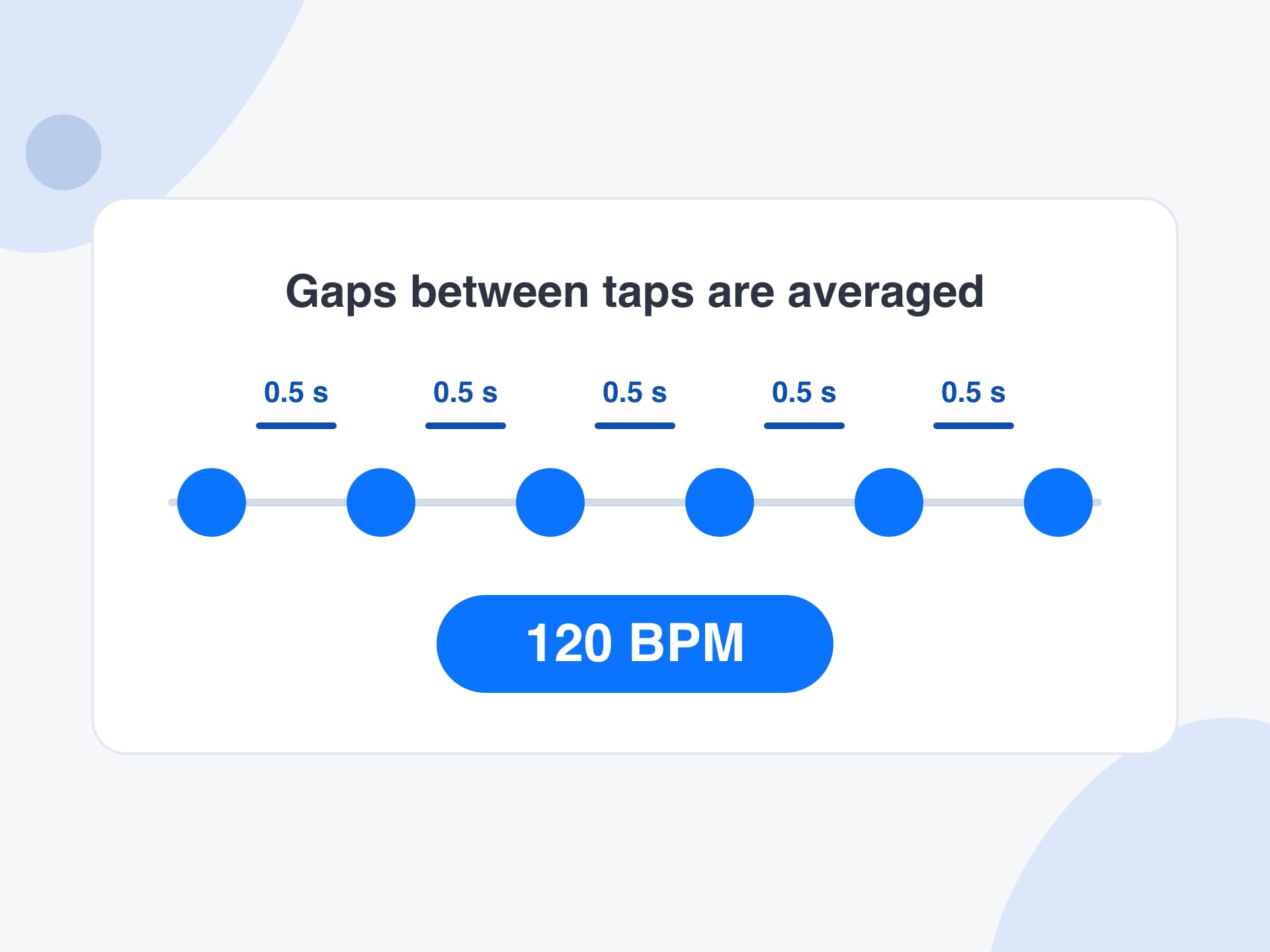
Tap tempo is the oldest way to find the speed of a song: listen to the beat and tap along. A tap tempo tool times the gap between each tap, averages those gaps and turns the result into beats per minute, written BPM. If your taps are half a second apart, the tempo is 120 BPM, because there are 120 half-seconds in a minute.
This tap tempo pad does a little more than a plain average. It keeps your last twelve taps, finds the typical gap, drops any gap that is wildly early or late, and averages what is left. That is why one clumsy tap does not throw the reading off. A pause longer than two and a half seconds starts a new run.
Tap tempo is the right tool when there is no file. A song on the radio, a live band, a record on a turntable or a rhythm you are humming cannot be dropped into an analyser. You can tap along, then press Play it back to hear a click at your BPM and check it against the music. Everything runs in your browser.
How to use
Step 1
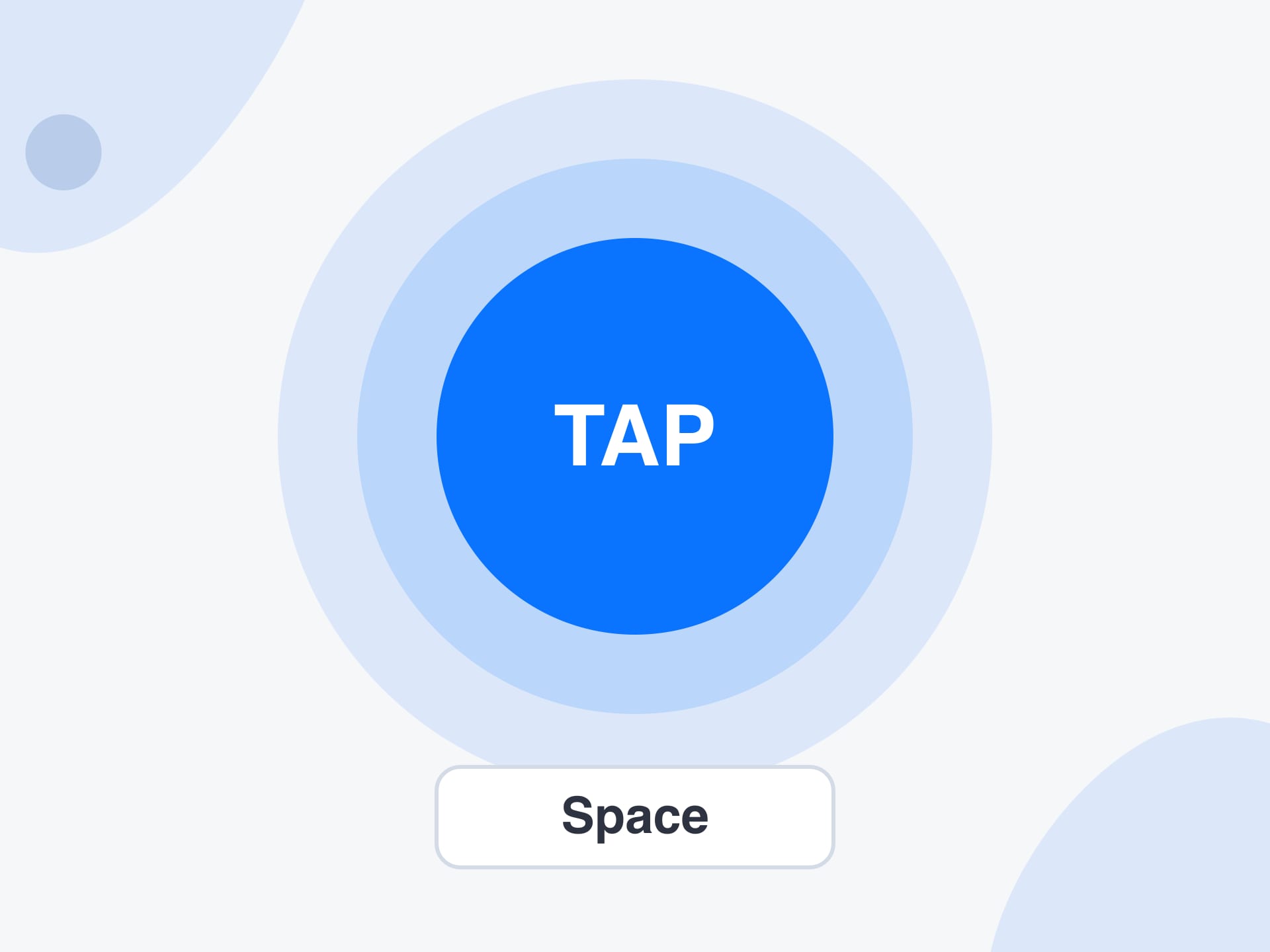
Play the song and listen for a few bars until you feel the pulse. Then tap the pad, or press Space, on every beat you would nod your head to. Four taps give a first answer, and eight or more make it steadier.
Step 2
The tap tempo tool shows the BPM after your second tap and updates with each one. A row of dots shows how many taps it is using. Pause for more than two and a half seconds and the next tap starts a fresh reading.
Step 3
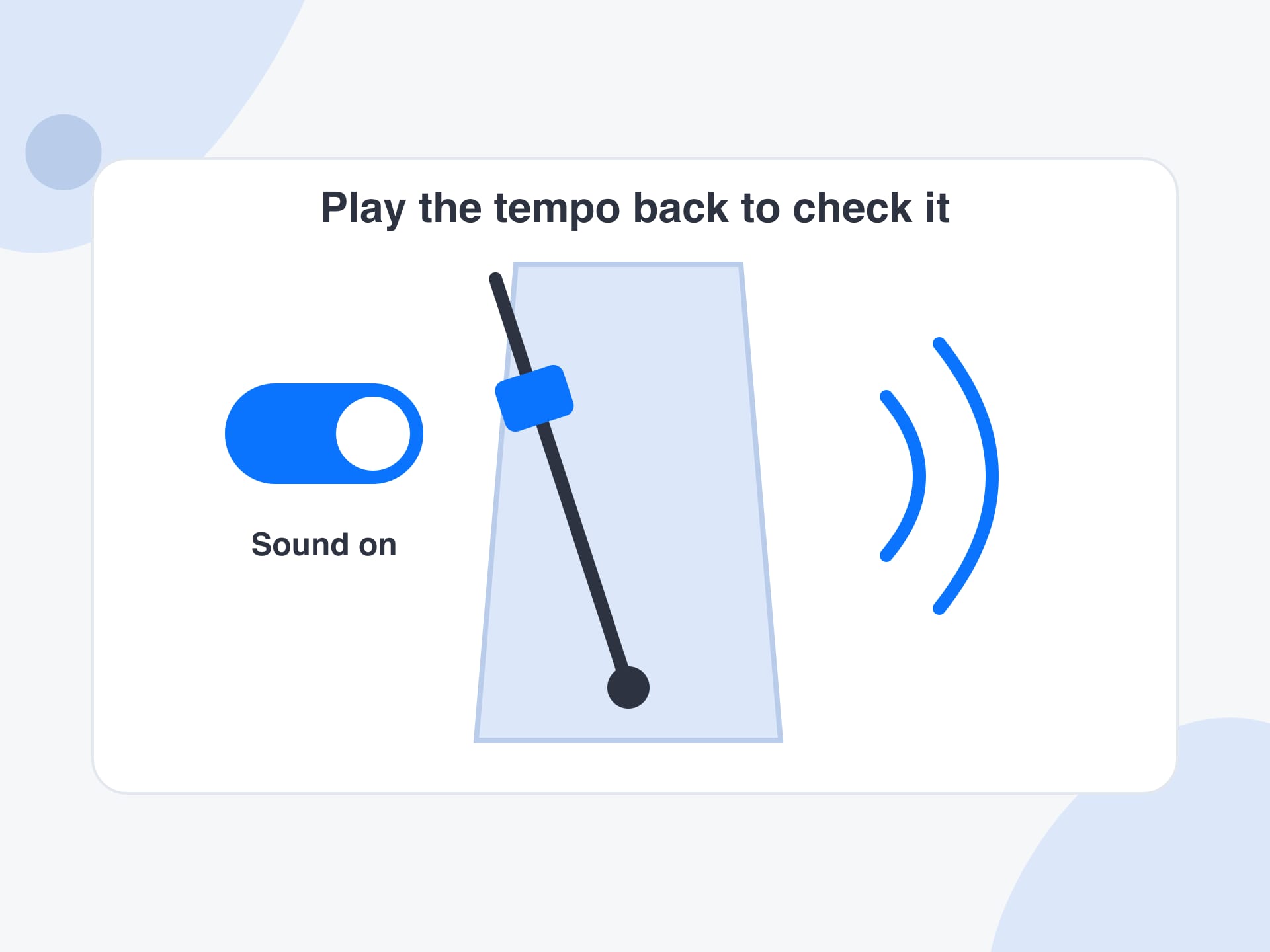
Press Play it back to hear a click at your BPM and compare it with the music. If it feels twice as fast or as slow, press ÷2 or ×2. When it locks to the song, copy the BPM and use it in your player, DAW or practice notes.
Why use it
What tapping gives you that a file analyser cannot, and what the same page adds.
A tap tempo tool does not need an audio file at all. It suits a song on the radio, a live band, a record on a turntable or a rhythm you only have in your head, where there is nothing to upload.
Tempo has a long-standing octave problem, because the same groove can be felt at half or double speed. With tap tempo you tap the pulse you feel, so the answer matches how you count the song.
The tap tempo pad starts working the moment the page loads. There is no app, no account and no network call for the tapping itself, so it works on a phone in a rehearsal room with poor signal.
When a file reading looks wrong, tap along to the song and compare. The two methods share one page, so tapping becomes a quick second opinion on the automatic BPM instead of a separate tool.
Reference
Use these ranges as a sanity check after you tap. Styles overlap, and many tracks sit outside their usual band, so read them as a guide and not a rule.
| Style | Usual BPM | Tapping note |
|---|---|---|
| Ballad | 60–80 | Tap every beat, not every subdivision. |
| Reggae | 60–90 | Often felt at half speed, so ×2 may be needed. |
| Hip-hop | 80–100 | Trap is often tapped at double the felt speed. |
| Pop | 100–130 | Steady, so taps settle quickly. |
| Rock | 110–140 | Tap the kick drum or the snare backbeat consistently. |
| House | 118–130 | Tap the four-on-the-floor kick. |
| Techno | 125–150 | Very steady, and a good test for tap accuracy. |
| Trance | 130–150 | Long builds, so tap in the steady part. |
| Dubstep | 138–142 | Felt at 70, so press ÷2 if you tapped every kick. |
| Drum and bass | 160–180 | Tapping at half speed gives about 87 BPM. |
Limits and tips
Use cases
Four real jobs, each as a small recipe.
Working out how fast a song is so you can set your click, using tap tempo as you listen over headphones.
Input: A song playing in your headphones
Setting: Tap the pad on every beat for eight or more taps, then press Play it back
Output: A BPM such as 96 and a click to compare with the song
Caveat: Songs that drift in tempo give an average, not a promise.
Confirming the speed of a record or a file when the deck display looks off, with the tap tempo pad as a quick second opinion.
Input: The track you are about to mix
Setting: Tap along to the kick for a dozen beats and compare the number with the deck
Output: A BPM to confirm or correct the display
Caveat: Pitch fader changes move the tempo, so tap with the fader where it will be.
Matching a song to a running cadence when the music is on a speaker and not a file you can upload.
Input: A song you can hear but cannot upload
Setting: Tap along for eight to ten beats and compare the BPM with your steps per minute
Output: A steady BPM to compare with your cadence
Caveat: Tap on the beat, not on every half beat, or the number will read double.
Writing down the speed of an idea you hummed or played so you can recreate it in a session later.
Input: A rhythm you can play or sing
Setting: Play the idea, tap the pulse for a few bars and copy the BPM
Output: A BPM for the session notes
Caveat: Loose, expressive playing gives a rough figure, so round it to a whole number.
More tools
Each one runs in your browser too, so you can move from one job to the next without uploading anything.
Drop a file to read its BPM automatically, then compare it with your tapped answer.
Turn beats and time into BPM, or milliseconds into tempo, and get note lengths for delays.
Find the musical key and Camelot code of a song for harmonic mixing.
See the tempo of a song with its classical term, such as Andante or Allegro.
FAQ
Tap tempo is a way to find the speed of music by tapping along. The tool times the gaps between your taps and turns the average gap into beats per minute, which is the BPM of the song.
You get a first reading after two taps, but four give a usable answer and eight or more make it steadier. The tool uses your latest twelve taps, so a longer run keeps improving the number.
It measures the time between each pair of taps, finds the median gap, throws out any gap more than a quarter away from it, and averages the rest. Sixty thousand divided by that average gap in milliseconds is the BPM.
Music can be felt at more than one speed, so a groove at 87 BPM can also be counted as 174. Tap tempo reports what you tapped, and the ÷2 and ×2 buttons let you switch to the way you count.
Yes. Press Space to tap while the tool is on screen, which is easier and more accurate than clicking with a mouse. On a phone or tablet, tap the large pad directly with one finger.
A silent pad suits quiet rooms and tapping along to music on speakers, where a click would clash. Turn Sound on to hear a short click on each tap, and choose Play it back to hear a steady click at your BPM.
If you stop for more than two and a half seconds, the next tap begins a new reading. You can also press Reset at any time. This lets you move from one song to the next without clearing anything by hand.
For most songs a careful tapper lands within about a beat per minute. File analysis measures the whole track and can show a decimal figure, so use it when you need an exact tempo for a delay or a project.
Yes, and this is where tap tempo helps most. Tap along to a song on the radio or a speaker, or open the Microphone tab to let the page listen and read the tempo automatically for you.
Yes. The pad is built for touch, and the page works in a normal mobile browser with no app to install. Use one finger, rest your hand on the table and tap on the beat you feel.
No. The tapping is calculated in your browser, and if you use a file, the microphone or a shared tab, the audio is analysed on your device too. Nothing is uploaded and no account is needed.
Yes. It is free to use with no signup, no daily limit and no watermark. Because everything runs locally in your browser, there is no server cost to pass on to you.
Press the pad in time with the music. A steady BPM appears in a few taps and nothing leaves your device.
Start tapping nowYour feedback helps us make SongBPMFinder.com better.

Thank you for your feedback